iCHRISTELE
Tuesday, May 11, 2010
SPOT COLOR
Image turned to grayscale in photoshop. Part where you want the color is lassoed and copy and pasted back into the picture.
PATTERN
PAint with Light
Done i
n a dark room
with
one light
and c
amera set on BULB
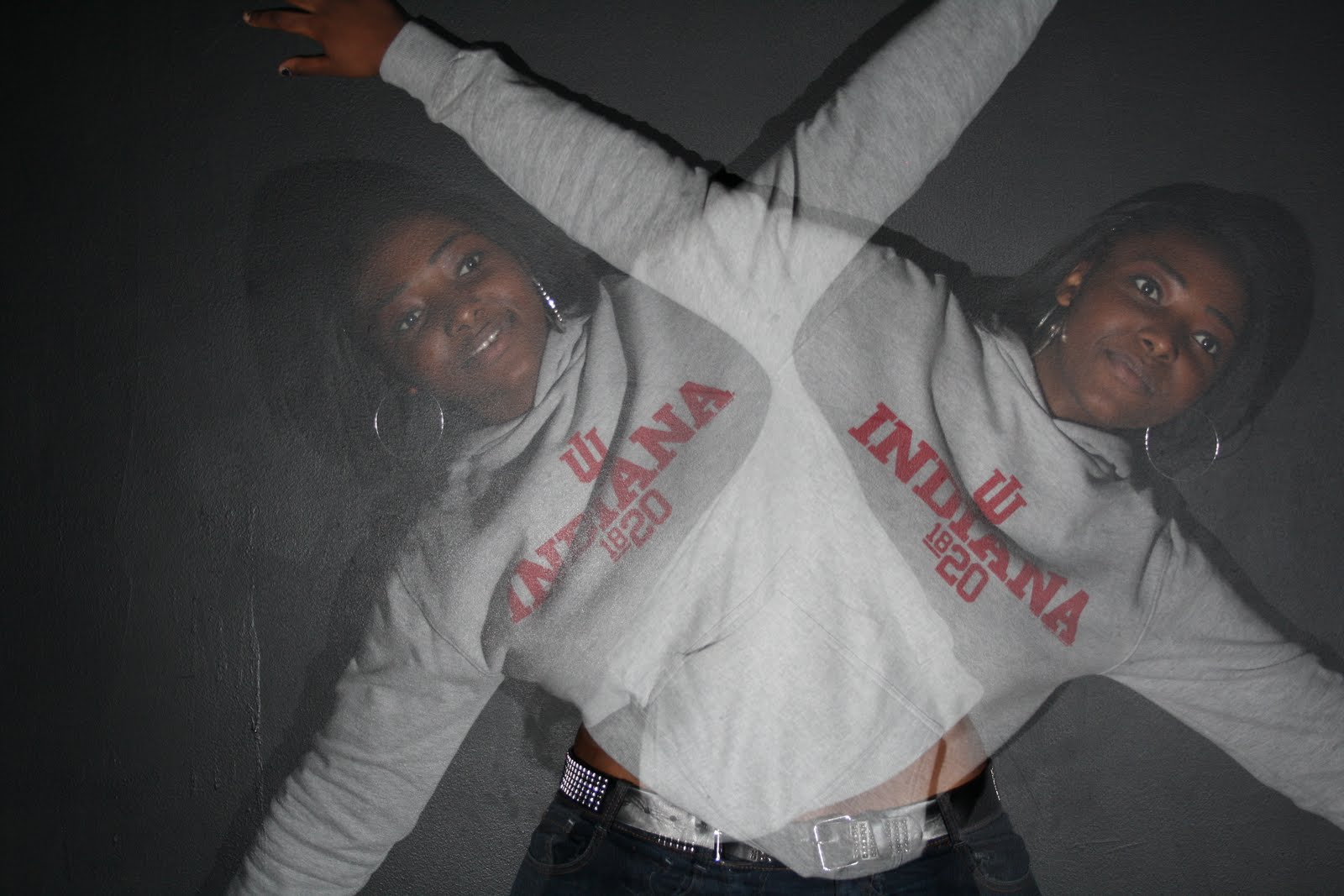
Multi-Exposure
Done
in a dark room
with
2 Flashes
and the
camera set on BULB
LINES
FLASH
Bounce Flash with Fill Card
Bounce Flash (I prefer this one because it gives the photo a softer look instead of the hard shadows and lines of the direct flash.)
Direct Flash (Too "hard" and lighting isn't very satisfactory)
Free Project 5: PERCEPTION
Perception
: What do you want your audience to see? What parts of your picture or object do you want visible and what parts do you want more subdued and in the shadows? What point are you trying to make with the angle you decide to use?
Newer Posts
Older Posts
Home
Subscribe to:
Posts (Atom)